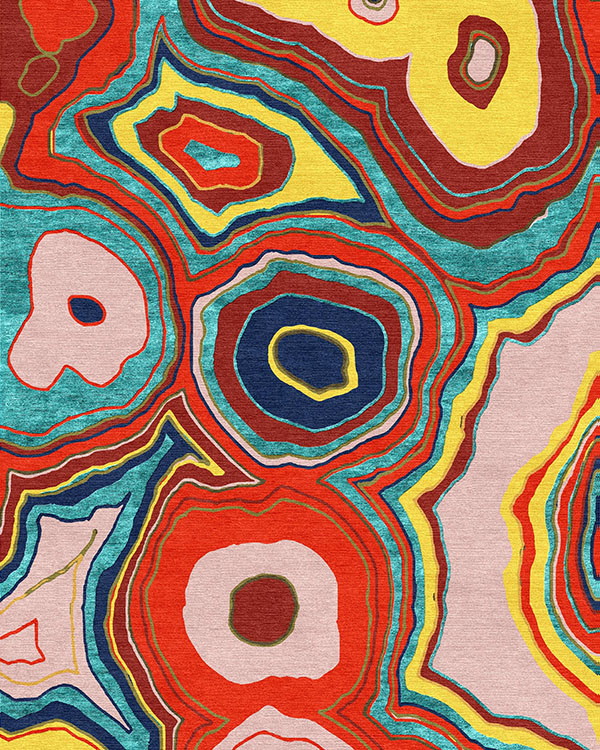
 img id=customizeImg
Design name
Delerague
Size
9' x 12'
iFrame src
https://jaipurrugs.explorug.com/?mode=ecat&initdesign=Delerague
Customize the design button <-- id=CustomizeIt
After customization is done, click on the "Calculate" button. The child (iframe) will throw the message to parent window(main page) with JSON information.
CSS
<style type="text/css">
html, body {
width: 100%;
height: 100%;
}
#exploRUGiFrame {
width: 100%;
height: 100%;
overflow-y: scroll;
}
#exploRUGiFrame{display: none;}
#CustomizeIt, #CustomizeIt2{cursor: pointer; cursor: hand; padding: 4px; border: 1px solid gray;}
</style>
<script src="https://ajax.googleapis.com/ajax/libs/jquery/3.5.1/jquery.min.js"></script>
<script>
window.addEventListener('message', function (event) {
if(!event.data || event.data==='')return;
var data = event.data; alert("Message received from Child (iFrame)");
//Hiding iframe after data received
document.getElementById('website').style.display = "block";
document.getElementById('exploRUGiFrame').style.display = "none";
//Data from exploRUG received as 'data'
var imgsrc = "https://ruglife.explorug.com/?redir=" + data.imageurl;
document.getElementById('customizeImg').src = imgsrc;
document.getElementById('Carpetwidth').innerHTML= data.PhysicalWidth;
document.getElementById('Carpetlength').innerHTML = data.PhysicalHeight;
var customizeData = "PhysicalWidth= " + data.PhysicalWidth + " PhysicalHeight= " + data.PhysicalHeight + " Unit =" + data.Unit + " ImageUrl = " + imgsrc + " DesignId=" + data.designid;
if (window.self !== window.top) { //if the page has a parent on top of it
parent.postMessage(data, "*");
}
}, false);
</script>
<div id="exploRUGiFrame">
<iframe id="iFrameSet" style="border:none; " height="100%" width="100%" scrolling="auto" allow="camera" allowfullscreen="" ></iframe>
</div>
<a id="CustomizeIt" rel="https://jaipurrugs.explorug.com/?mode=ecat&initdesign=Delerague.ctf">Customize the design button</a>
<script>
$(document).ready(function(){
$("#CustomizeIt").click(function(){
$("#website").css("display", "none");
var iFrameREL = document.getElementById("CustomizeIt").rel; console.log(iFrameREL);
//Check if previous customized
if($("#iFrameSet").contents().find("body").length) {
$("#iFrameSet").attr("src", iFrameREL); //alert(302);// iframe doesn't exist
}
$("#exploRUGiFrame").css("display", "block"); //alert(iFrameSrc);
});
});
</script>